TikTok views stuck at 0: causes and fixes
Cover photo: Rodion Kutsaev, CC0 1.0, via Wikimedia Commons. Resized from source; supplied JPEG otherwise unchanged.
When a customer reports that their TikTok views are stuck at 0, they are usually describing one of two situations. Either an order has not moved in the panel and the count on the video has not changed, or the video sits at zero on TikTok itself, sometimes before any order was placed. Establish which situation you are checking first. Zero views alone do not prove a restriction, a failed order, or an account problem.
Start with the order record, not the screenshot
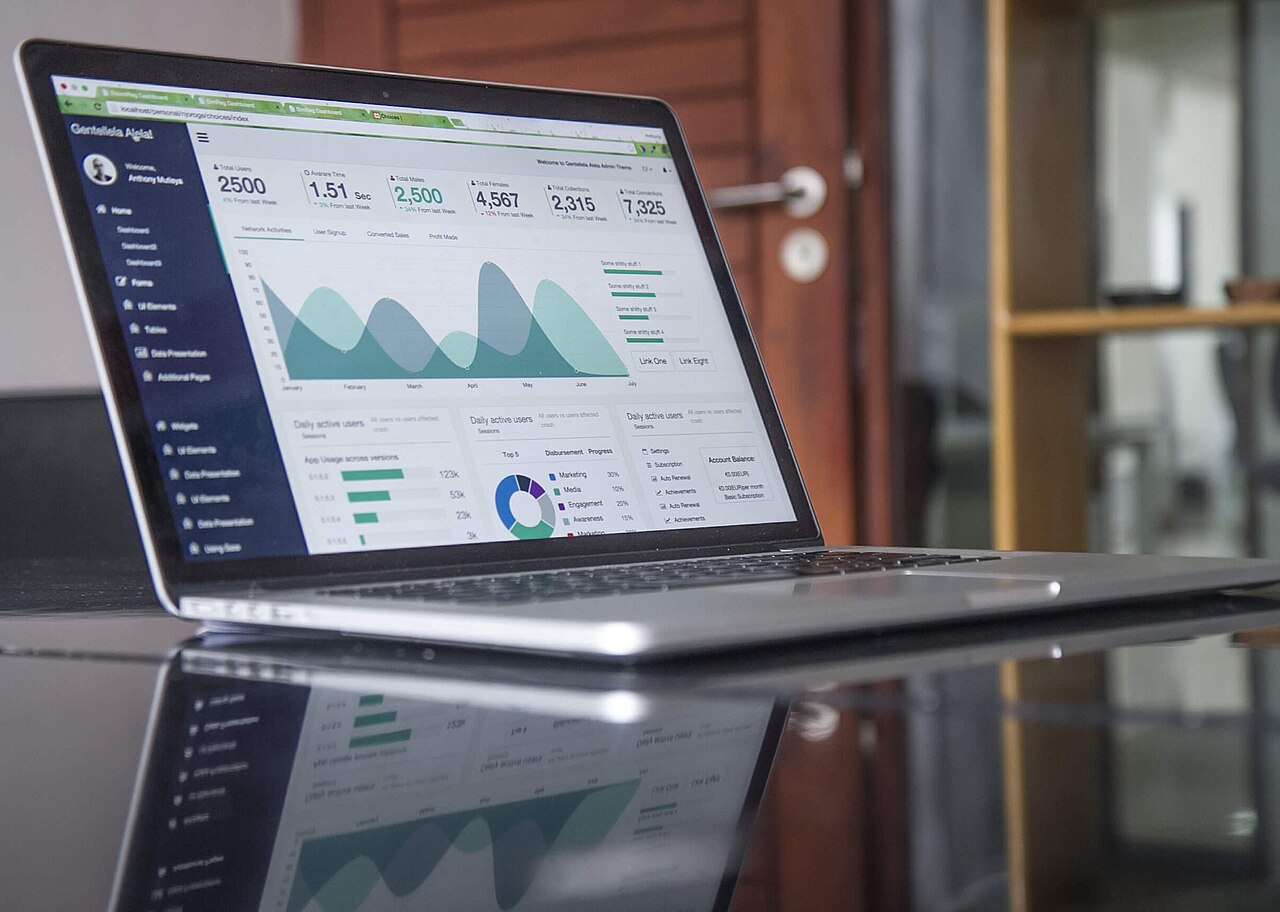
Open the order in your panel, or call the status action through the API, and read what it actually says. The status response includes the charge, the start_count, the current status, and remains. A status is the panel's current record of the order, not a delivery-time promise, so treat it as a snapshot.
Pending means the order is recorded and waiting for further processing. A Pending label alone does not prove that nothing has been delivered; provider updates and platform counters can lag. Processing records that the order is being processed, and In progress records the provider's report that delivery has started but is not finished. During either of these, a low or unchanged number may simply be timing, since start and completion times vary by service, quantity, and provider load.
Completed means the provider reported the order as complete. If the status says Completed and the video still shows zero, that is a real discrepancy worth investigating, and you should check the link before anything else.
Partial records the provider's report that only part of the requested quantity was delivered. Check the order record for any applicable balance adjustment; the label alone does not promise a refund. Canceled means the order was canceled, and Refunded means an applicable amount went back to panel balance. These labels help explain the recorded order state, but they do not independently verify the video's current count. Explain the record and investigate discrepancies rather than reorder blindly.
The start_count field gives the recorded baseline. Compare it with the target, timestamps, and remains; a recorded counter is not independent proof of delivery.
Check the link and the privacy settings
Many stalled view orders come down to the target. View services need the exact video URL, not the profile link, and the direct platform link rather than a share wrapper or a link copied from search. If the customer deleted and reposted the video, the new upload has a new content ID and the old link points at nothing.
The fastest test is to open the submitted URL in a private browser window while signed out. If the video does not load there, check its link and visibility. Login, age, or regional access requirements can also affect a signed-out test, so this alone does not prove whether a provider can reach it. The account and the individual video both need to be public, and they need to stay that way until the order reaches a final status. A customer who switches the account to private halfway through can end up with a Partial or a cancellation.
There is more on this in why social media service orders fail, drop, or get canceled and in the guide to changing privacy and visibility on TikTok, Instagram and Facebook.
Also ask whether another order is running on the same video. Two overlapping orders can read the same starting count and credit each other's progress, which makes the numbers look wrong even when delivery happened.
When the video itself is stuck on TikTok
If the video was at zero before an order, investigate its availability and TikTok's own notices first. Zero views alone do not identify the cause. Paid view orders do not remove a review, account restriction, or feed-eligibility decision.
Content under review
TikTok's Help Center page on content violations and bans says content may be reviewed when it is uploaded, when it gains popularity, or when it is reported, and that the outcome can be removal or ineligibility for the For You feed. A review can affect distribution, but a zero count alone does not establish that a review is happening.
Ineligible for the For You feed
TikTok's For You feed eligibility standards note that a feed-ineligible video may still be available through the creator's profile or other surfaces, depending on the restriction, and that creators can check analytics to see if a video was made ineligible. The customer can see the reason and appeal from inside the app.
Account restrictions
TikTok's Account check, inside TikTok Studio under More tools, shows whether the account is restricted from logging in, posting, commenting, editing the profile, or sending messages, according to TikTok's Help Center. Violation notices sit under Inbox, System notifications, Account updates.
Unoriginal content
TikTok's Community Guidelines state that content with unoriginal or reused material without anything new is ineligible for the For You feed. Reuploaded clips without new creative changes can fall into this category; check the actual notice rather than infer ineligibility from the count.
Region and temporary glitches
There is little official documentation here, so treat these as things to rule out rather than diagnoses. Compare the visible count on another device or in a browser and check that the app is current. Do not assume that region, a VPN, or a temporary display issue caused a restriction without supporting evidence.
It is also worth being straightforward with customers on one more point. TikTok's integrity and authenticity guidelines say the platform removes fake likes, followers, and other inflated signals it detects. That is one reason counts can change after delivery, which we cover in SMM drop rate explained.
What to tell your customer
Customers want to know whether the order is running, whether something is wrong with their video, and what happens next. Answer all three in plain words.
If those checks are true, a reply could be: "Your order is currently recorded as In progress, which is the provider's latest status report. I checked the link and the video is public and loads correctly. Please keep it public and avoid deleting or reposting it while the order is open. I will review the record again later today." For Partial or Canceled, explain the recorded status and check any applicable balance adjustment without promising a refund.
If the video was at zero before the order, point the customer to Account check and system notifications before they spend more. Explain that the count alone cannot confirm the cause and a paid order does not cure a platform restriction.
Before you open a support ticket
Running through these first saves a round trip:
- Read the current order status, start count, and remains.
- Open the submitted link signed out and confirm the video is public.
- Confirm the link is the exact video URL and the video was not deleted or reposted.
- Check for overlapping orders on the same video.
- Open a ticket from your account with the order ID and what you found.
One thing to know about refills on this panel: customer-initiated refill requests are currently unavailable, and calls to the refill action return an error. If a completed order looks wrong, submit an order-review ticket with the order ID instead. A review request does not guarantee a refill, cancellation, or refund.
FAQ
How long should I wait before treating an order as stuck?
There is no fixed time. Timing depends on the service, the quantity, and the provider's current load, and any estimate shown on a service is a guide. Check the status before deciding anything.
The order says Completed but the video shows zero. What now?
Verify the link first, signed out. If the URL is correct and public, open a support ticket with the order ID so it can be reviewed.
Can I cancel an order that has not started?
Only when the service and order expose the cancel action, and it depends on current status and the provider's response. A cancel flag in service data is not a guarantee that cancellation is available for this particular order.
Will a view order fix a video that is under review?
No. A paid view order does not remove a review or feed restriction. The customer should check the actual notice and any available appeal in the app.

.jpg)
.jpg)
